Assist, do not impersonate
Start with your knowledge and point of view. The Studio helps shape it into a clear story instead of inventing a personality for you.
Faceless creation without giving up control
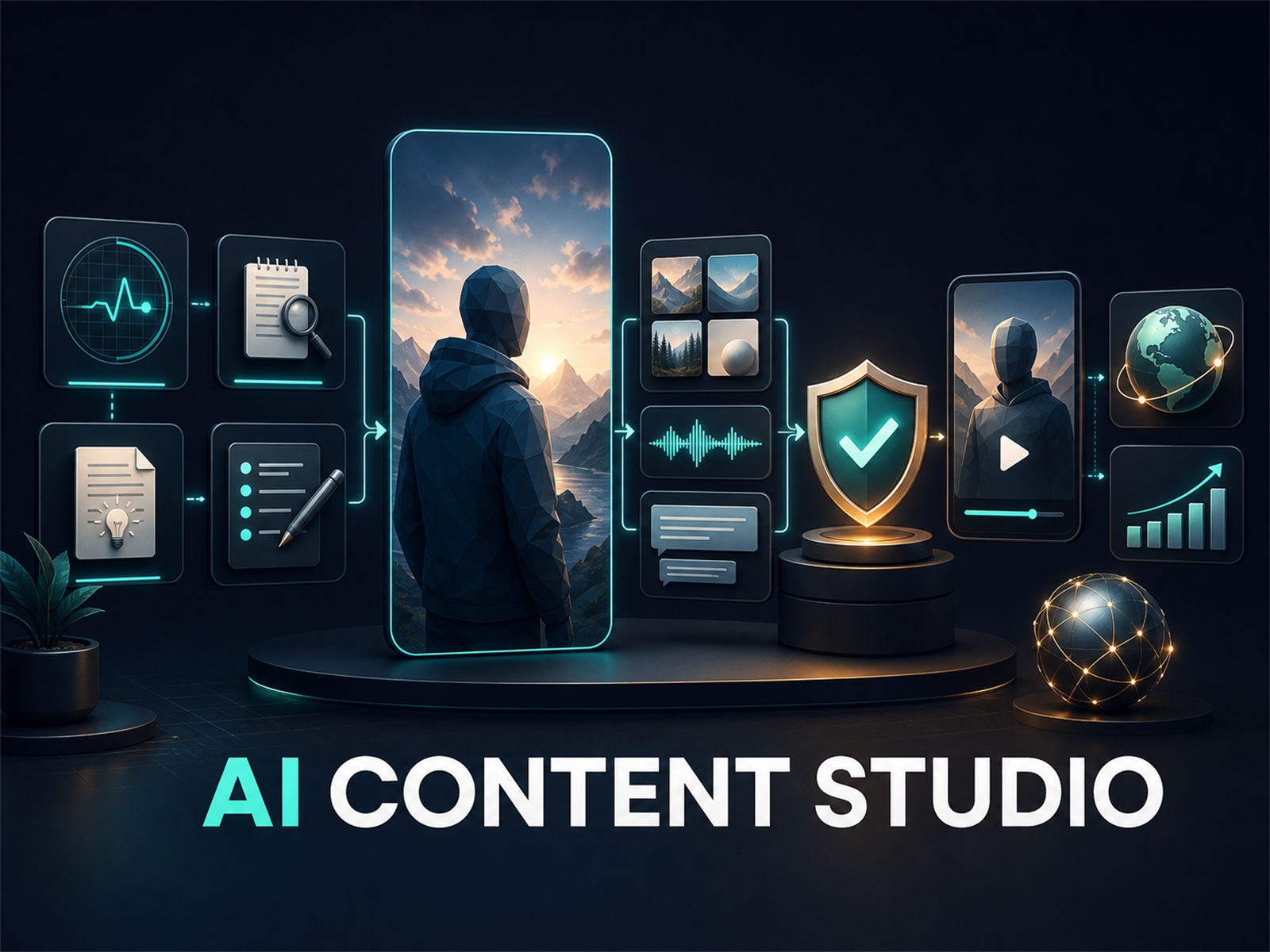
AI Content Studio turns your thoughts into a researched, reviewed, ready-to-post vertical video workflow. No camera. No microphone. No autonomous bot speaking for your brand.
Our stance
AI should remove production friction without taking ownership of your voice, your files, or your publishing decisions.
Start with your knowledge and point of view. The Studio helps shape it into a clear story instead of inventing a personality for you.
Review the brief, script, visuals, claims, and final render. Public posting stays a deliberate human decision.
Use trend evidence and owned performance data to improve your next video. No tool can honestly guarantee a viral result.
Keep projects in a local Windows library, encrypt supported credentials, and bring a provider account with limits you control.
A repeatable production path
New creators get a clear next step. Experienced creators keep control over evidence, versions, branding, and distribution.
Score a timely topic with Trend Radar or begin with your own focused idea.
Generate a structured brief, hook, script, captions, descriptions, and calls to action.
Create vertical visuals, narration, captions, motion, transitions, music, and branding.
Approve evidence, immutable versions, visuals, and the final render before export.
Prepare platform-specific copy, preserve release receipts, and track owned results.
Buy back your creative time
Research, briefing, scripting, visual planning, voiceover, captions, metadata, and publishing prep stay connected in one reviewed project.
Example estimates compare Studio outputs with a typical manual short-form workflow. Actual time varies by creator and project.Created inside the Studio
This 1080×1920 sample was produced by the same local workflow customers use: approved script, generated scene assets, timed narration, captions, and an integrity-bound MP4 render.
Built for consistent creators
Evidence-led scoring without pretending that scraped popularity guarantees virality.
Begin with a removable First Video Walkthrough, then use neutral or niche presets for your own projects.
Edits invalidate prior approval, keeping the exported package tied to what you actually reviewed.
Generated images, narration, captions, scene planning, motion styles, transitions, and brand labels.
Projects stay on your computer. Supported credentials are encrypted and kept outside browser output.
Import owned performance data and use real results to guide the next project.
A workflow, not another tab
Prompt tools can help with isolated tasks. Automation services can trade control for convenience. AI Content Studio connects the production chain while keeping you in charge.
Swipe sideways to compare all approaches.
| What matters | AI Content Studio | Typical prompt workflow | Typical automation SaaS |
|---|---|---|---|
| Connected production path | Research through publishing prep | Manual copy and paste between tools | Varies by vendor |
| Faceless visuals, voice, and captions | Built into one project | Usually assembled separately | Often included with plan limits |
| Project ownership | Local Windows library | Scattered chats and files | Usually cloud-managed |
| Approval integrity | Edits invalidate old approvals | No connected approval state | Varies by vendor |
| Public publishing | You make the final decision | You publish manually | Automation is often the focus |
| AI cost model | Your provider, limits, and usage | Tool or provider dependent | Usually subscription or credits |
| Software price | $129 one-time | Multiple tools may be required | Usually recurring |
Typical approaches are generalized for clarity; exact capabilities, privacy terms, and pricing vary by product and provider.
Built for a specific kind of creator
You do not need a media team, an on-camera persona, or a recording setup. If you have useful knowledge and can review what represents you, you can build a repeatable channel.
A strong fit for
Not designed for
Founding Creator Edition · Available now for Windows
One connected Windows workflow for research, briefs, scripts, visual planning, voiceover, captions, export, and publishing prep. Keep perpetual use of the version you purchase, plus maintenance updates and email support for twelve months.
$129one-time
Straight answers
No. Public publishing stays under your control. The Studio prepares platform-ready assets and supports controlled YouTube testing, but you make the final public decision.
Yes. The Windows Founding Creator Edition is available as a $129 one-time purchase through Polar. The hosted checkout and customer portal provide secure payment, receipts, downloads, and license-key access.
No. You connect a project-specific provider account and pay that provider directly. The Studio includes spend-limit guidance and mock mode for learning without generation charges.
Yes. It can combine generated vertical visuals, narration, captions, motion, branding, and scene timing into a ready-to-review MP4.
No coding is required. The guided setup explains provider keys, spend limits, model access, and your first video inside the browser interface. Provider account setup is still required for live AI generation.
Your project library, approvals, exported packages, and supported encrypted credentials stay in the local Windows application. Content sent for generation is still processed under the terms of the AI provider you choose.
The output workflow targets YouTube Shorts, TikTok, Instagram Reels, and Facebook Reels. Platform rules and account eligibility still apply.
No. Availability varies by provider, account, organization, region, permissions, and verification. Some image models require additional provider verification.
Create without performing