Timely, useful, platform-fit, and distinct enough to develop.
Cybersecurity · 9:16 short-form
A real Microsoft sign-in page can still be part of a phishing attack
✓Brief✓Script✓Visuals✓Approved
Workflow value
This sample replaced the entire production chain.
Estimated against a typical manual short-form workflow; actual time varies.- Research & brief
- 18 min
- Script
- 22 min
- Visual assets
- 35 min
- Voice & captions
- 12 min
- Publishing prep
- 8 min
Step 1
Trend Radar
SOURCE 01 · MICROSOFT SECURITY
Device-code phishing uses a legitimate sign-in flow
The useful angle is not “the website is fake.” It is that a real sign-in page does not prove the request was initiated by the viewer.
Timeliness 18/20Usefulness 19/20Evidence 18/20
Step 2
Approved content brief
Microsoft 365 users, IT administrators, and small-business owners.
30–40 seconds
Show viewers one question that can stop a device-code phishing attempt before they authorize it.
“Before entering a Microsoft device code, ask: did you personally start this sign-in?”
Save this check and share it with someone who manages Microsoft 365.
No real credentials, codes, or victim details.
Step 3
Script and on-screen direction
Did YOU start the sign-in?
Before entering a Microsoft device code, ask: did you personally start this sign-in?
Device-code sign-in can be legitimate
It is often used where typing is difficult—but the person who initiated the request still matters.
Real website ≠ safe request
Attackers can send you a code they initiated to enter on Microsoft’s genuine website.
Three checks before continuing
Confirm you started it, verify the device, and stop if anyone sent you the code unexpectedly.
Save and share this check
Keep the workflow available for your next Microsoft 365 sign-in.
Step 4
Approved visual pack
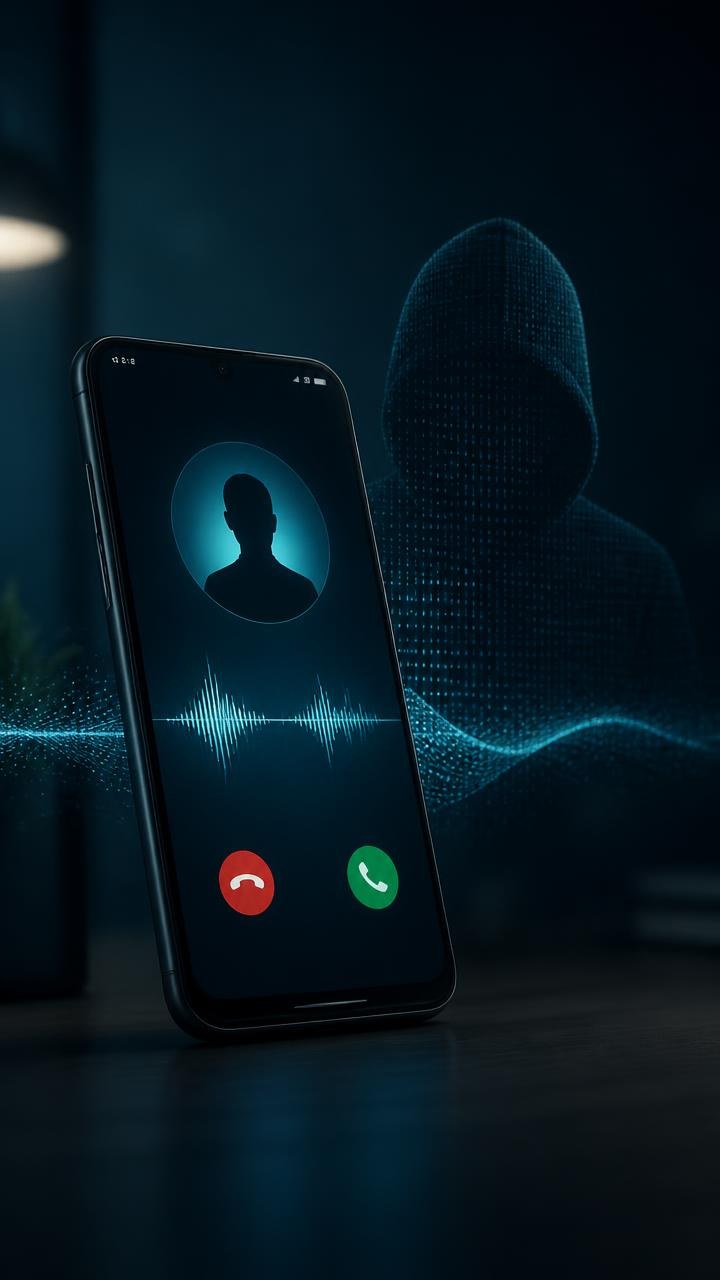
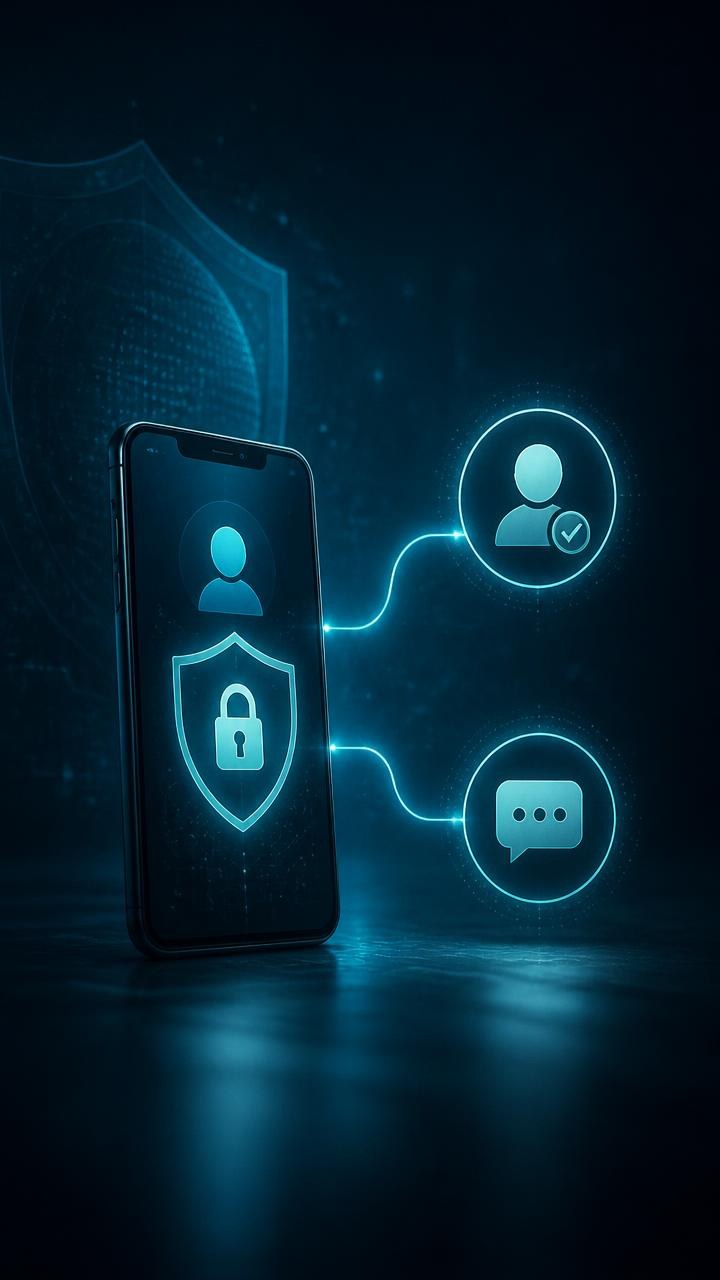
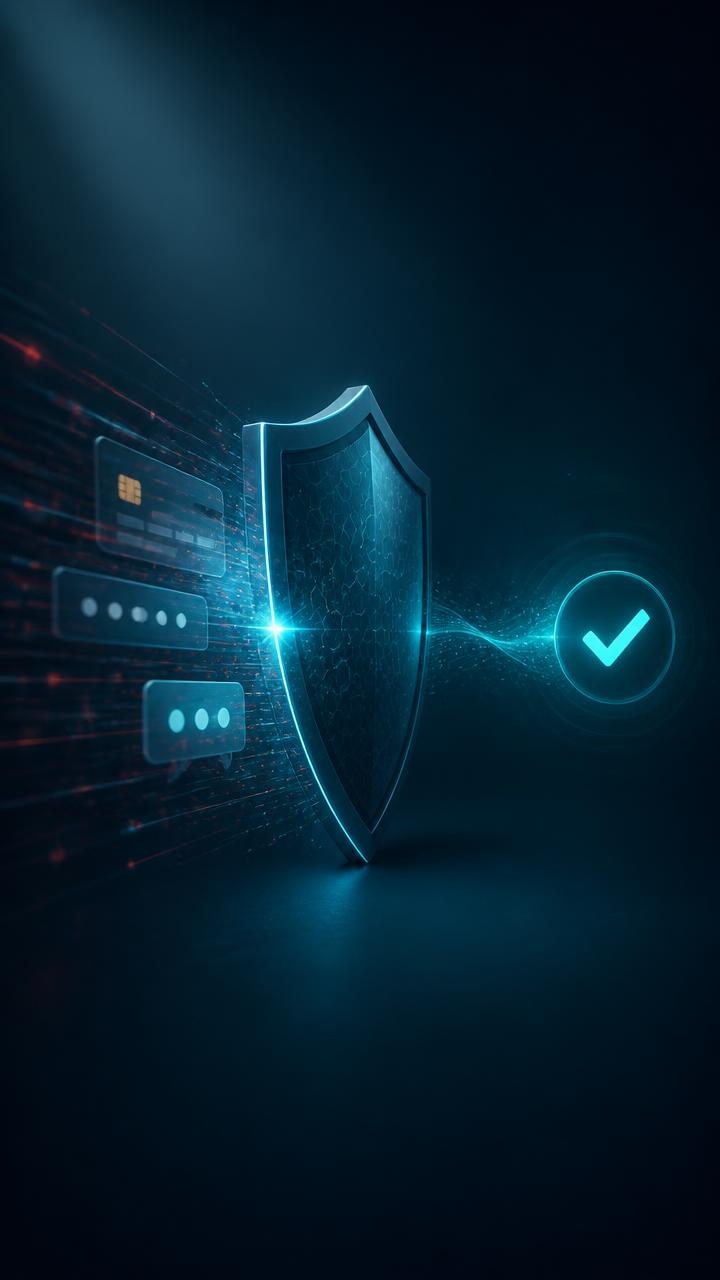
Captions: High contrastMotion: Slow pushTransition: CrossfadeBrand: OutsideTheBoxIT
Step 5
Final approved render
Ready for creator review
- Resolution
- 1080 × 1920
- Duration
- 38.9 seconds
- Format
- MP4 · H.264
- Approval
- Current artifacts approved
SHA-256
Sample receipt · hidden in public demoThe real Studio binds the release record to the approved render. This public tour does not create or download files.
Step 6
Platform-ready distribution
A Real Microsoft Sign-In Can Still Be a Trap
Before entering a device code, confirm that you personally initiated the sign-in.
#Microsoft365 #CyberSecurity #PhishingReal website. Unsafe request.
The domain can be genuine while the device-code request was started by an attacker.
#ScamAwareness #CyberSafety #TechTokAsk this before entering a device code
Save this check and share it with someone who handles Microsoft 365.
#InstagramReels #OnlineSafety #Microsoft365One check can stop a device-code phish
Confirm who started the sign-in before authorizing anything.
#FamilySafety #FraudPrevention #CyberSafetyYou completed the product tour.
Buy for $129The installed Studio adds real projects, secure provider setup, editable versions, local exports, and controlled platform connections.